

Online or Offline — which access control version should you choose
Online or offline waste container access control? Compare user synchronisation, data access, operating costs, battery life and maintenance.
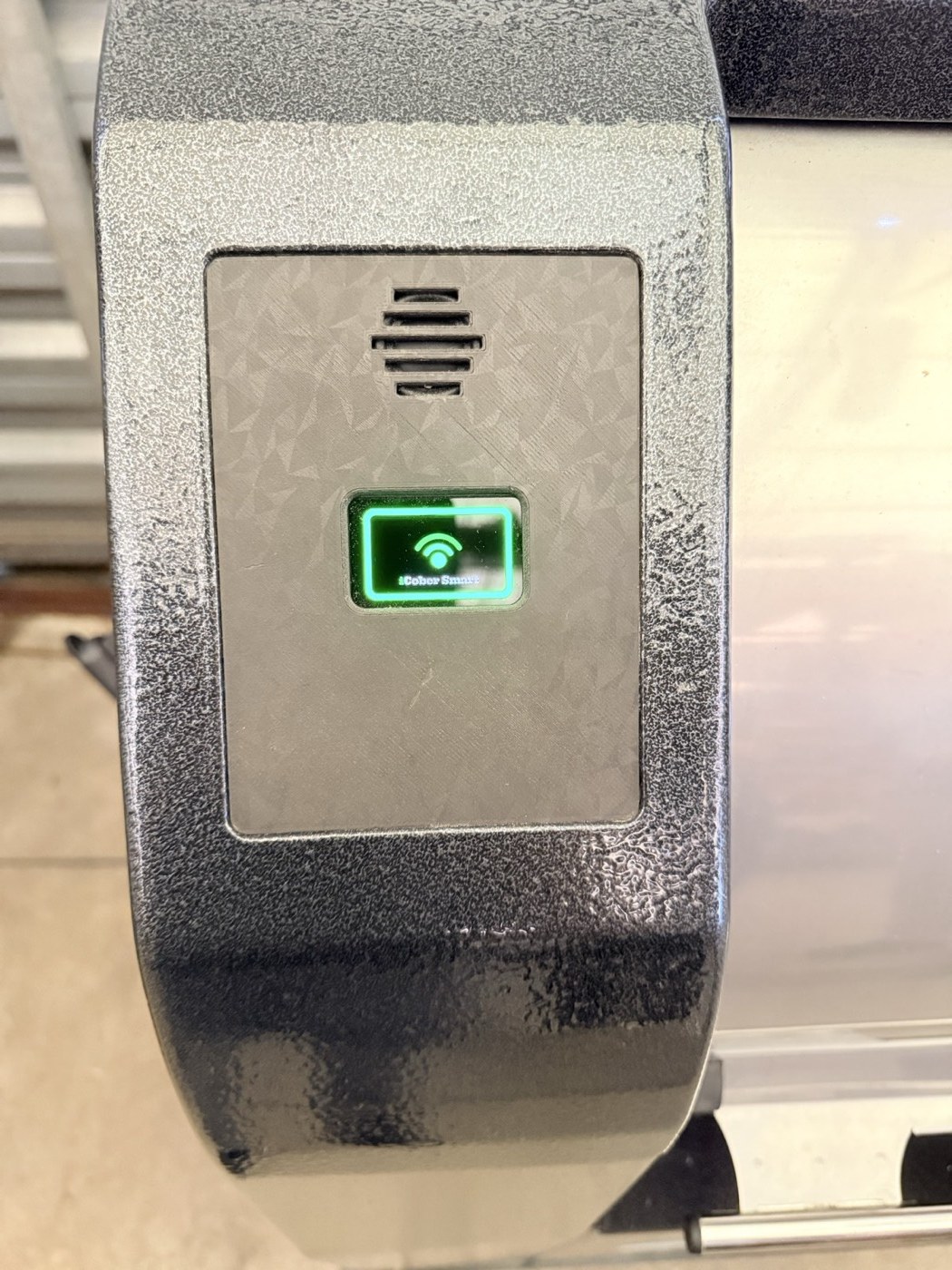
This question comes up in almost every discussion about waste container access control: do we need a connected system, or is the simpler Offline version enough?
From the resident's perspective, there is almost no difference. They present a card or phone, the reader verifies their access rights and unlocks the container. Importantly, the access decision is made locally by the device in both versions — there is no need to wait for a response from the server.
The real difference appears later, on the operator's side.
The key difference: how data is synchronised
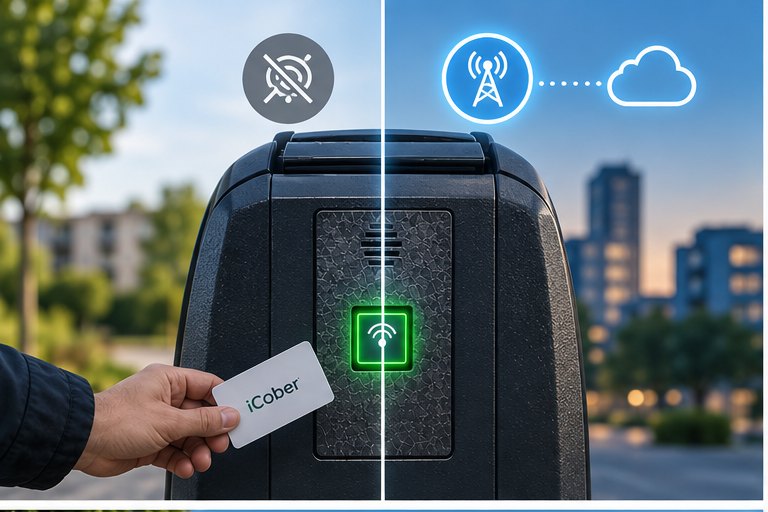
The fundamental technical difference is simple: the Online version has LTE-M/NB-IoT connectivity, while the Offline version operates without a cellular modem.
In the Online version, the reader periodically connects to iCober Cloud. It downloads changes to the authorised user list and uploads stored events, data and diagnostic information.
In the Offline version, operations that require exchanging data with the reader are performed locally — using a phone via NFC.
In both cases, the current list of authorised users is stored in the reader itself. A temporary loss of cellular coverage therefore does not prevent an Online device from opening the container. The reader continues to recognise stored users and makes the access decision locally.
The difference is not where the access decision is made, but how the device receives updates and transfers collected data.
Offline can do more than you might expect
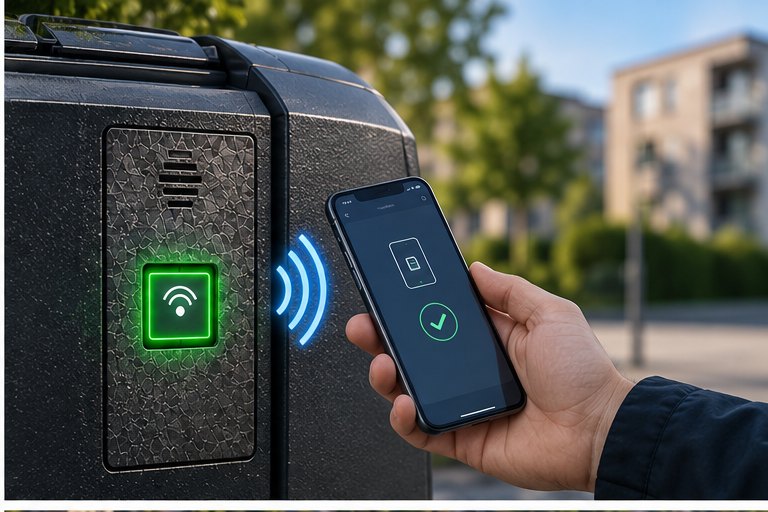
The word "Offline" can make the device sound like a simple reader that only checks a card and controls a lock. In reality, most core access-control functions operate locally inside the reader — just as they do in the Online version.
The authorised user list is stored in the device. The reader verifies the credential, makes the access decision and records the event in its internal memory.
The difference appears when data needs to be synchronised.
With Online, changes to the user list reach the device through the cellular network. With Offline, a technician approaches the reader with a phone and transfers the changes via NFC.
The same applies to event history. The Offline reader stores events locally, and they can later be retrieved using a phone via NFC during a service visit.
iCober Key can also be used to manage cards, import a user list from a CSV file and read basic diagnostic information such as battery status or the number of completed opening cycles.
In other words, data from an Offline device is not lost.
It stays in the device until someone comes to collect it.
What does Online add?
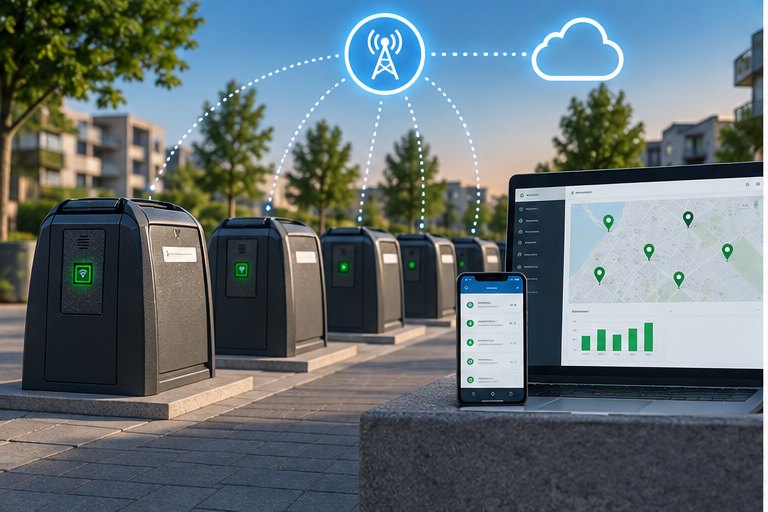
Online does not change the way the access decision is made at the container. It primarily changes how the device is managed.
Remote synchronisation of access rights. A resident reports a lost card? Change the user's permissions in the system and the device receives the update during its next communication with the server. With Offline, someone must visit the reader and synchronise the list locally using a phone.
Current device status and alarms. Low battery level, communication loss, unusual events or fill-level alarms can appear in iCober Cloud without waiting for the next service visit.
Remote fill-level monitoring. If the device is equipped with a ToF sensor, measurements can be transmitted to the platform and used to build a fill-level history.
Reports and API integration. Data from multiple devices can be analysed in one place or transferred to the operator's own system.
The main difference between Online and Offline is therefore not how a container is opened, but how the entire installation is managed.
Online also means recurring costs
The Online version introduces costs that are not present in the Offline variant.
The first is cellular connectivity for each device. The amount of transmitted data is small, but every connected unit still requires network service.
The second is operation of the iCober Cloud platform, which receives data, stores history and provides remote management functions.
With a few devices, the difference may be relatively small. With dozens or hundreds of locations, it becomes part of the operating budget for the entire system.
Offline does not require permanent cellular connectivity or a subscription for remote device management.
That does not simply make it "a cheaper version of the same system".
Part of the cost moves from infrastructure to human labour.
Someone has to visit the container to synchronise access rights, retrieve history or check the device locally.
What about battery life?
A cellular modem consumes additional energy, but that does not mean it remains active continuously.
In battery-powered devices, LTE-M/NB-IoT communication can be activated periodically: the device starts the modem, registers with the network, synchronises its data and then returns to a low-power state.
The impact of Online connectivity on battery life therefore depends primarily on communication frequency, network conditions and the amount of data transmitted.
The more often the device connects to the network, the more energy it consumes.
In practice, the communication interval is selected as a compromise between synchronisation speed and battery life.
Moving from Offline to Online is not a one-click change
This is an important part of the decision that can easily be overlooked during the first deployment.
Changing an Offline device to Online is not simply a setting in the management panel. It requires the appropriate firmware and device configuration to be changed.
During this process, the device memory is cleared, so the user list, configuration and other required data have to be prepared and uploaded again.
For a single reader, this is not a major issue.
For dozens of devices spread across multiple locations, it becomes a separate service task.
Online or Offline should therefore be treated as a system-design decision made before deployment, rather than an option that can later be changed without consequences.
Three questions that help you decide
How quickly do access rights need to change?
If updates need to reach devices without a service visit, Online is the natural choice. If changes can wait until the next visit to the container, Offline may be entirely sufficient.
Will anyone actually use the data regularly?
A management platform provides the most value when its data leads to action: planning collections, responding to alarms, monitoring devices or analysing container usage.
If event history is only needed occasionally, local NFC retrieval may be the simpler solution.
How many devices are there, and how far apart are they?
For a single unit in an easily accessible location, a physical visit may not be a problem.
With dozens of devices distributed across a municipality, every local synchronisation means travel time and service cost.
Online and Offline can work side by side
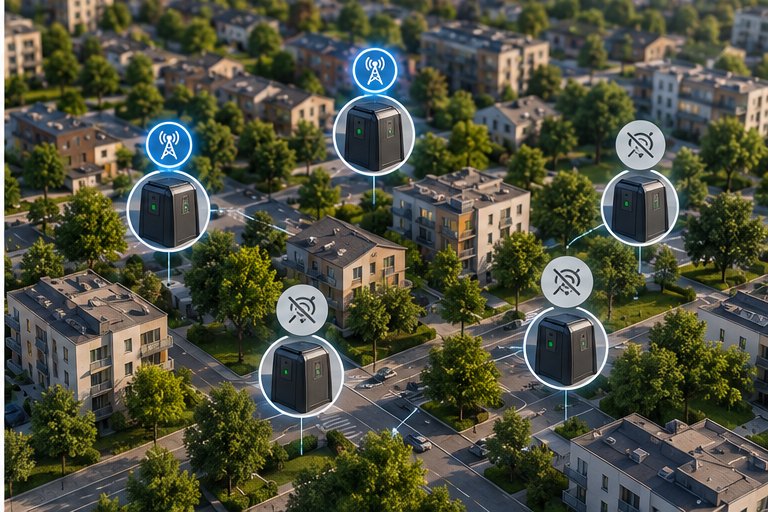
A deployment does not have to use the same version everywhere.
Both variants can be used within one project and selected according to the role of each location.
Sites with frequent user changes, a need for ongoing monitoring or fill-level measurement can use Online.
Locations where the main objective is simply to prevent unauthorised use may be perfectly suited to Offline.
A simple example is our Soesterberg deployment, where an Offline version was used for a single location without the need for remote system management.
Offline does not mean "no data". It means: the data stays in the device until someone comes to collect it.
A detailed comparison of both versions — including connectivity, access-right management, event history, alarms and other functions — is available on the product page.
For a detailed comparison and technical specifications, see iCober SAC access control. For NFC-based device configuration and data retrieval, see iCober Key. To start with the problem itself, see how to prevent unauthorised waste disposal.